English
Node.js Setup
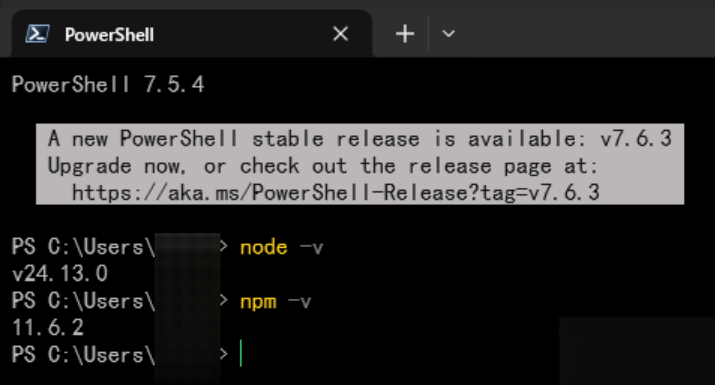
Later tools depend on Node.js and npm.
1. Check the installation
bash
node -v
npm -v
If both commands print versions, you can skip installation.
2. Install Node.js
Download Node.js from https://nodejs.org and choose the LTS release. Reopen the terminal after installation and run the version commands again.
3. Install CLI tools
bash
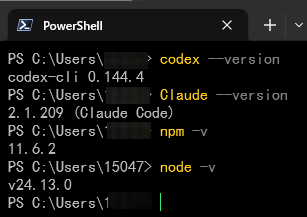
npm install -g @anthropic-ai/claude-code@latest
npm install -g @openai/codex@latest
claude --version
codex --version
4. Common issues
For EACCES or permission denied, prefer a Node.js version manager such as nvm on macOS / Linux. On Windows, check administrator permissions and the npm global PATH. For command not found: codex, check where codex on Windows or which codex on macOS / Linux.