English
CC-Switch: Codex
TIP
See CC-Switch Setup for installation.
1. Add a provider
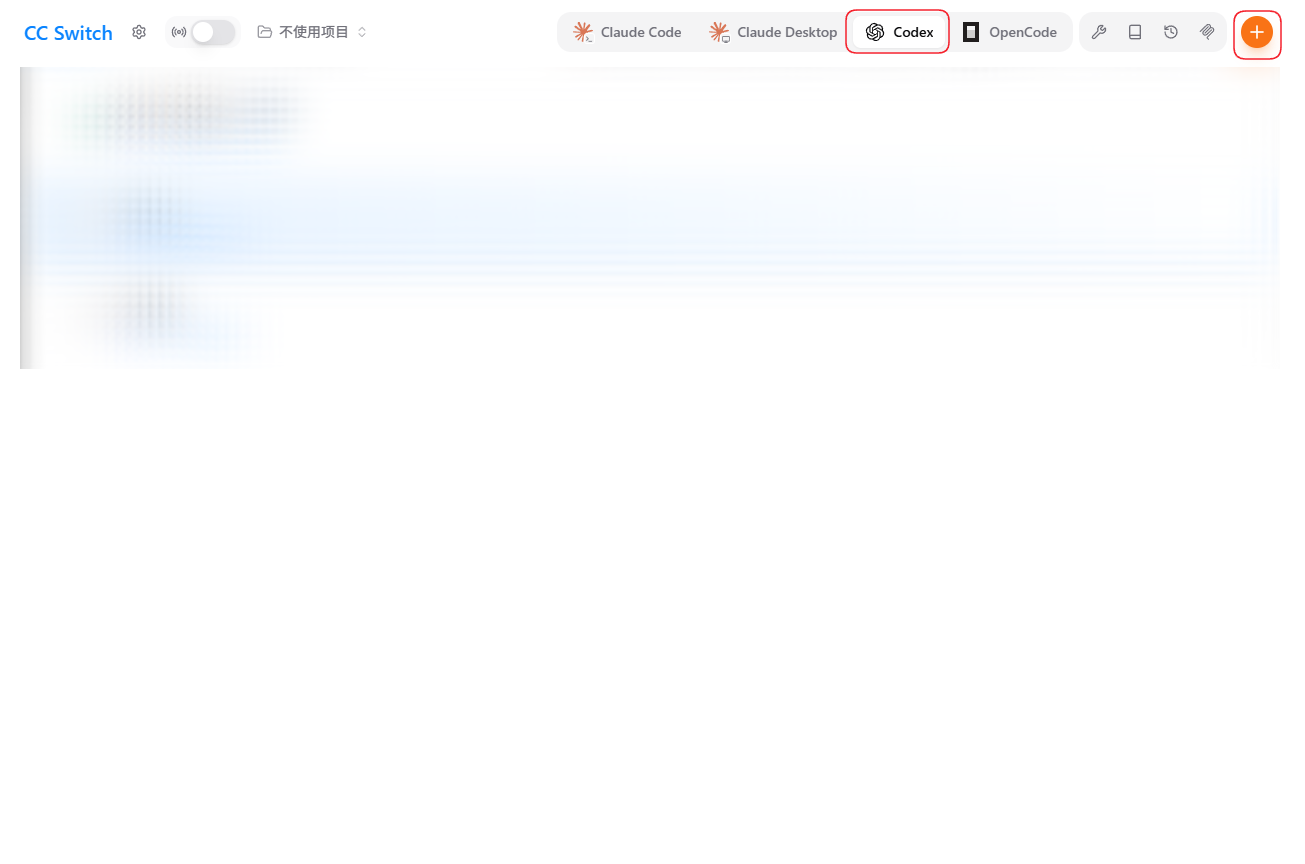
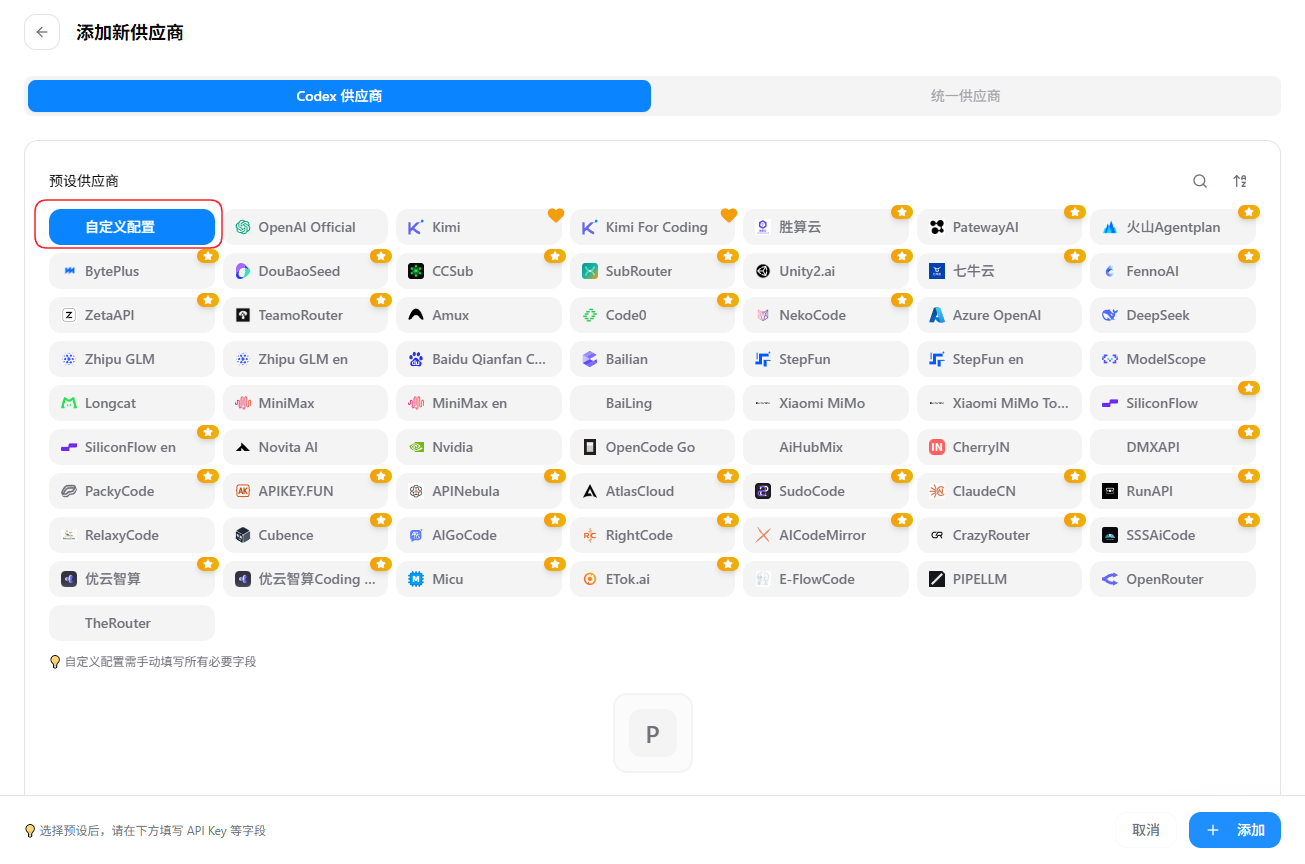
Open CC-Switch, select Codex, click “+”, keep the Codex provider type, and choose custom configuration.
2. Enter the settings
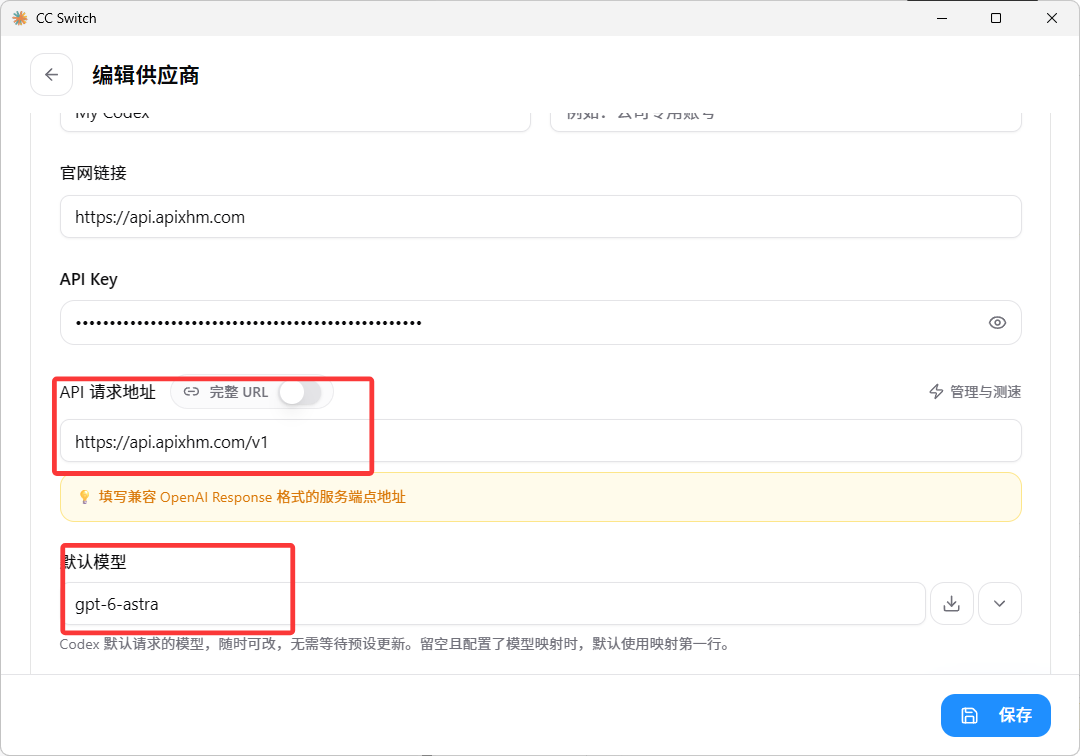
text
Provider name: Yuan API-Codex
API key:       your Yuan API key
Request URL:   https://api.apixhm.com/v1
Default model: copy from https://api.apixhm.com/pricing
The Codex URL must include /v1 exactly once.
3. Enable the channel
Enable the Yuan API Codex card.
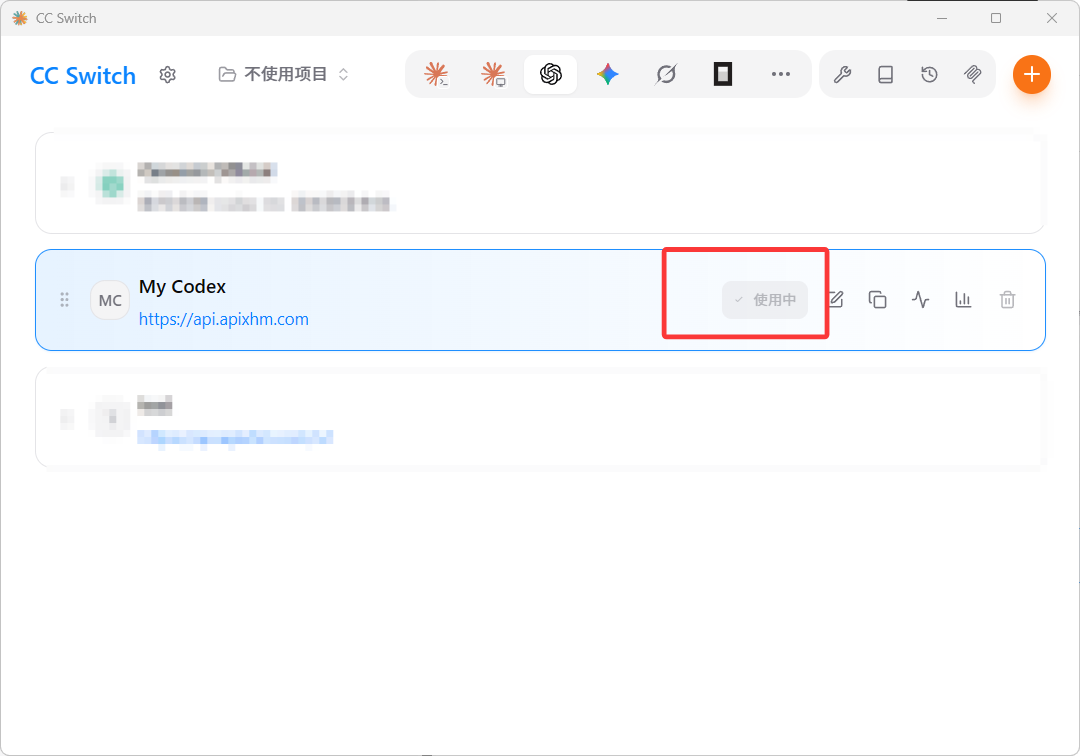
4. Verify
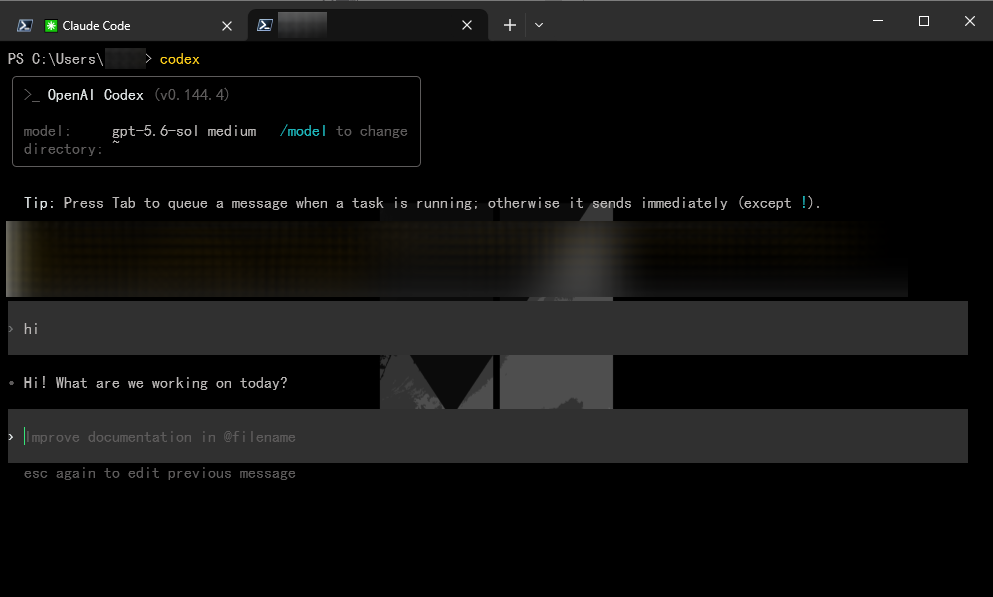
Run codex and send hi. A normal response confirms the setup.